The gaming evolution on smartphones has led to an interesting phenomenon where PC gamers actually want to play Android games on their computers, and they will do anything to be able to pull that off. Of course, that is what emulators are for and we are going to review a prime example of a mobile gaming emulator for PC - GameLoop (formerly Tencent Gaming Buddy).
Built primarily for Windows gaming
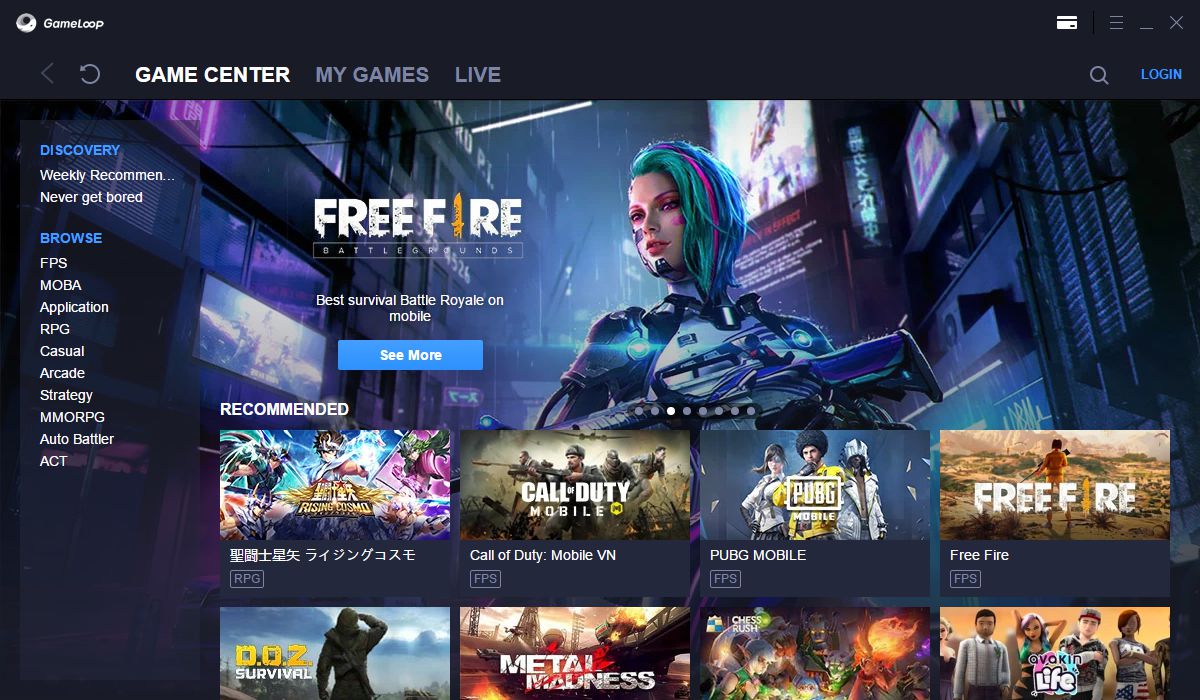
This is one of the best free smartphone emulators for Windows. The emulator is highly optimized for playing mobile games, which is its main focus. After you download and install it, you can immediately visit the Game Center to check out its game collection.A massive library of supported titles
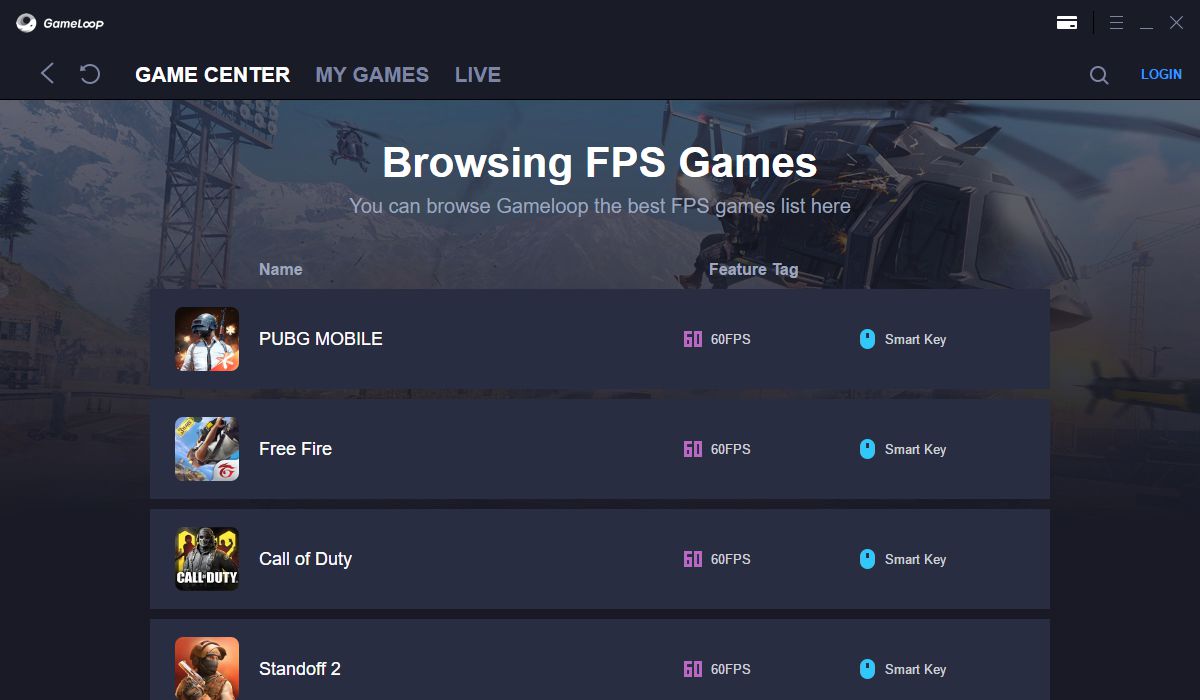
You can play a wide number of games using this emulator. Some of the more notable entries include PUBG, Mobile Legends, Free Fire, Clash Royale, Arena of Valor, Call of Duty: Mobile, and Among Us.Pre-mapped controls and solid performance
We have tested PUBG and Mobile Legends for the purpose of this review, and it's safe to say that they run amazingly well, even on lower-end devices. You don't have to tweak anything as the controls are already set up for you to enjoy. Of course, you can change certain buttons easily, but the games behave exactly how you want them to straight out of the box.Customization and extra tools
For example, even though Mobile Legends is a mobile MOBA game, it feels almost like League of Legends! You can change various graphic settings and keyboard mapping using this program. You can even take screenshots and record your screen. It runs great without locking basic features behind a premium emulator paywall.